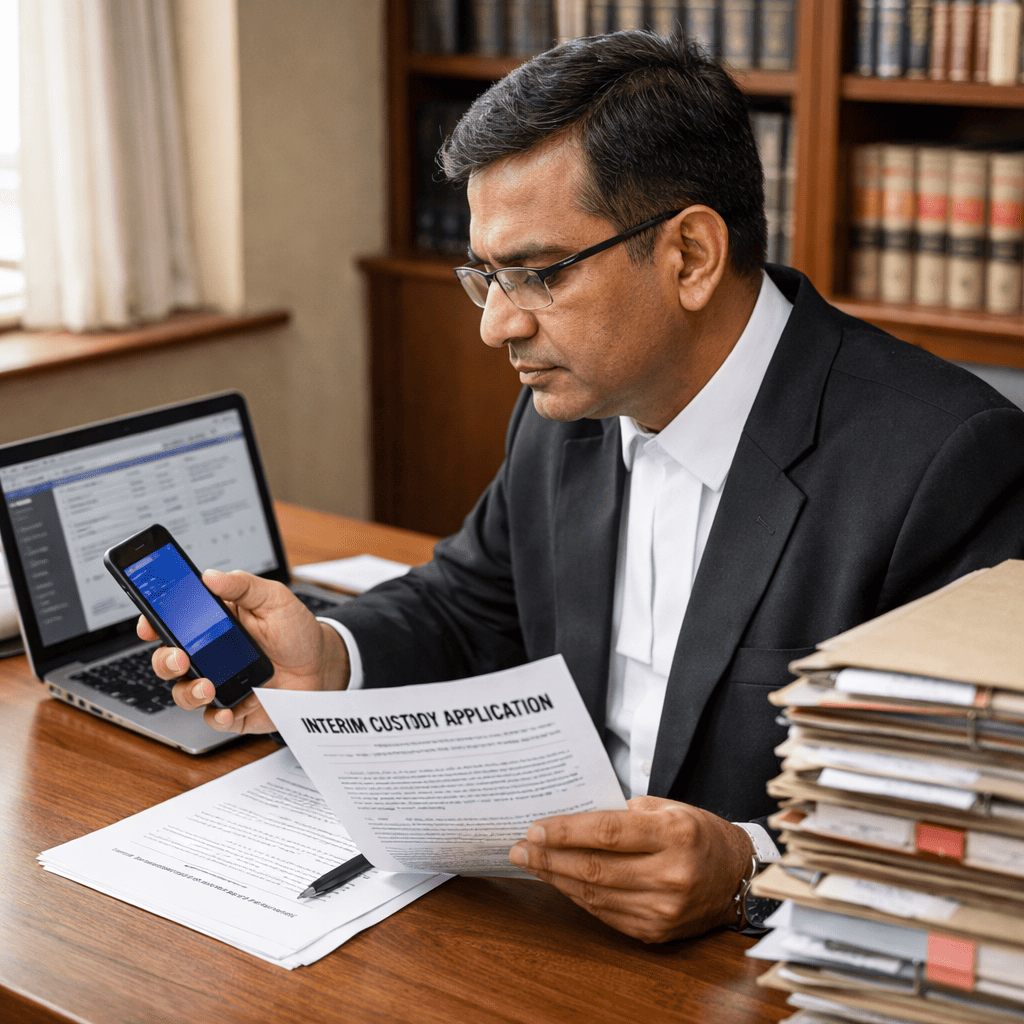
The Bombay High Court has embraced the digital age. As of 2026, the court transitioned to a sophisticated hybrid system. It moved away from paper-heavy processes. Consequently, this shift enhances litigation efficiency significantly.
For modern legal practitioners, mastering the system is vital. Therefore, adapting to these digital changes saves time. It eliminates the need for physical registry visits. Additionally, it provides 24/7 access to case management tools.
This guide simplifies the complex digital infrastructure of the BHC. We will cover e-filing procedures, cause lists, and fee structures. Ultimately, this helps you navigate the “digital corridors” with confidence.
Understanding the Bombay High Court E-Filing System
The Bombay High Court E-Filing platform operates through the centralized e-courts portal. It serves advocates, litigants, and government pleaders. The system streamlines the entire litigation lifecycle. From registration to final submission, the process is fully digital [6].
Registration and Login Process
First, register on the portal to begin. You can access the system at filing.ecourts.gov.in. Select your state as Maharashtra. Then, choose your user category, such as Advocate. You will need a valid Bar Council ID for registration [9].
However, ensure your credentials are ready. Your username is not case sensitive. But, your password is case sensitive. Also, complete a CAPTCHA verification for security. Specifically, the platform supports English and Marathi [6].
Dashboard Overview
Once logged in, you will see a comprehensive dashboard. This dashboard is your control center for legal activities. For example, the “My e-filing Status” tab tracks submissions. Similarly, the “Case Filing” section initiates new lawsuits.
Key Technical Requirements
First, ensure your system meets specific requirements. Use a reliable internet connection. Second, utilize modern browsers like Chrome or Firefox. Furthermore, documents must be in PDF format. The system supports file sizes up to 50MB. Always scan papers at 200 DPI for clarity [7].
Step-by-Step E-Filing Procedures for New Matters
Filing a new matter requires attention to detail. The system guides you through each stage. However, errors can delay the process significantly. Therefore, follow these steps carefully for a smooth submission [6].
Selecting the Case Type
First, you must select the correct case type. The platform offers options like Suits or Appeals. You must also choose between the Original and Appellate Sides. For example, a Commercial Arbitration Petition falls under the Original Side. Conversely, a Letters Patent Appeal belongs to the Appellate Side [8].
Uploading Pleadings and Documents
Next, you need to upload your pleadings. This includes the plaint or written statement. Ensure all annexures are in PDF format. The system uses color-coding for mandatory fields. Additionally, you can index documents for organization. For sensitive cases, use the “Hide Party” option to protect identities [6].
E-Signing and Verification
After uploading, you must sign documents digitally. The portal offers multiple methods for this. You can use an Aadhaar e-sign or a digital token. Alternatively, mobile OTP verification is available. This step ensures the authenticity of documents.
Payment and Case Number Generation
Finally, you must pay the requisite court fees. The portal integrates with payment gateways. You can pay via card, net banking, or UPI. Upon success, the system generates an e-filing number. Subsequently, the Registry scrutinizes the documents. Upon approval, a formal CNR is assigned [9].
How to Check and Interpret the Bombay High Court Cause List
Checking the Bombay High Court cause list is a daily ritual. It informs you about your case’s hearing schedule. The display board is available online in real-time. As a result, you can track proceedings from anywhere [11].
Types of Cause Lists
There are different types of lists available. The “Daily Cause List” shows current cases. In contrast, the “Weekly List” covers the whole week. Additionally, view the “Display Board” for live updates. These tools help you plan effectively [15].
Navigating the Display Board
To use the display board, visit the BHC website. You can filter results by Court Hall. For example, select the Bombay Bench for principal seat matters. You can also search by case number. This filters out irrelevant information quickly.
Understanding Status Tags
The cause list uses specific status tags. You must understand what these terms mean. “Listed” means the case is scheduled. “Adjourned” indicates the hearing is postponed. “Disposed” means the court passed a judgment. “Partly Heard” suggests the hearing continues later. Consequently, interpreting these tags is crucial [14].
A Breakdown of Bombay High Court Fee Structures
Calculating fees accurately is critical. Incorrect payments can lead to objections. The Bombay High Court court fees structure follows the Court Fees Act, 1870. The court also provides an online calculator for assistance [16].
Original Side vs. Appellate Side
Fees differ significantly between the two sides. Original Side matters involve higher ad valorem fees. These are calculated on the suit’s valuation. In contrast, Appellate Side matters often have fixed fees. However, some appeals may require ad valorem payments.
Ad Valorem Fee Calculation
Ad valorem fees depend on the claim amount. For example, suits up to ₹5,000 need a nominal fee. However, fees increase as the value rises. Specifically, suits above ₹50,000 require ₹50. This fee applies for every ₹5,000 or part thereof [17]. Therefore, accurate valuation is essential.
Fixed Fees for Specific Filings
Certain filings have fixed fees regardless of value. For instance, a Writ Petition costs ₹250. Similarly, filing a Caveat requires ₹33 [19]. Reviews filed within 90 days cost half the fee. After 90 days, the full fee applies.
Refunds and E-Stamps
You can apply for refunds in specific situations. However, the process requires a formal application. Additionally, the BHC accepts e-stamps. Always verify procedures with the Registry. This ensures compliance with treasury rules [20].
Tracking Case Status and Compliance Deadlines
Managing compliance deadlines prevents dismissals. The Bombay High Court case status module is vital. It provides real-time updates on your litigation portfolio [14].
Using the Case Status Module
You can search for cases in multiple ways. The most common method is by case number. Alternatively, search by party or advocate name. The unified search feature allows cross-database checking. It provides history, including past orders.
Certified Copies and Orders
You can download certified copies online. Visit the “Certified Copy Module” on the BHC website [21]. You can pay online and choose options. The first soft copy is often free. Consequently, this eliminates physical visits to the copy department.
Managing E-Filing Compliance
Your dashboard tracks filing compliance. Check the “Pending Scrutiny” tab frequently. This section highlights defects. Address these defects immediately. The “Defective Cases” tab shows corrections needed. Therefore, regular monitoring keeps cases active [23].
Conclusion
Navigating the court requires digital proficiency. The Bombay High Court E-Filing system has revolutionized litigation practice. It offers speed, transparency, and efficiency. Furthermore, understanding lists and fees is equally important. These skills define a competent lawyer.
Legal technology continues to evolve rapidly. Consequently, staying updated is vital. Do not let burdens slow your practice. Instead, leverage technology to focus on core work.
Streamline your practice with LawSathi. Automate tracking, reminders, and document management today.
Sources
- Official Website of High Court of Bombay – https://bombayhighcourt.nic.in/tender.php [1]
- Bombay High Court – Home Page – https://bombayhighcourt.gov.in/ [2]
- National Mission & Judicial Reforms – https://doj.gov.in/national-mission-judicial-reforms/ [4]
- efiling-User-manual.pdf – https://ecourts.gov.in/ecourts_home/static/manuals/efiling-User-manual.pdf [6]
- Guide – efiling High Courts and District Courts – https://cdnbbsr.s3waas.gov.in/s3ec022b45e8d6abf59038a975faeeb6dc/uploads/2023/03/2023032364.pdf [7]
- Official Website of High Court of Bombay – https://bombayhighcourt.nic.in/commercial_court.php [8]
- eFiling | Department of Justice | India – https://doj.gov.in/efiling/ [9]
- Official Website of High Court of Bombay – https://bombayhighcourt.nic.in/displayboard.php [11]
- Official Website of High Court of Bombay – https://bombayhighcourt.nic.in/case_query.php [14]
- Causelist – https://bombayhighcourt.nic.in/webcauselisthome.php [15]
- Court Fee Calculator – https://bombayhighcourt.nic.in/courtfeecalculator/index.php [16]
- THE FIRST SCHEDULE (See section 3 ) Ad valorem fees – https://cdnbbsr.s3waas.gov.in/s3ec0360a70bb05b08d6cd95deb3bdb750/uploads/2023/05/2023051461.pdf [17]
- 1 SCHEDULE II Fixed Fees Number. (1) … (2) Proper – https://upload.indiacode.nic.in/schedulefile?aid=AC_MH_166_855_00063_00063_1616477497342&rid=1067 [19]
- COURT FEES PAYABLE – https://cdnbbsr.s3waas.gov.in/s3ec02504c296f8eb5fd521e744da4e837/uploads/2023/05/2023052233-1.pdf [20]
- Official Website of High Court of Bombay – https://bombayhighcourt.nic.in/bookappt_cc.php [21]
- Certified Copy Module – https://ecommitteesci.gov.in/division/certified-copy-module/ [23]